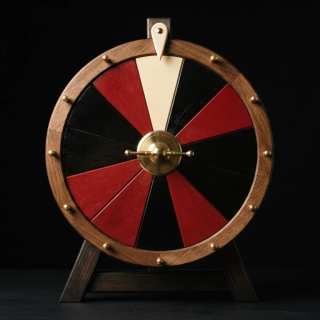
Tap the wheel to spin
Spin history
- No spins yet. Every spin lands here with its time and seal.
Options
Keys: Space or Enter spins, P for projector, R removes the winner, Esc leaves projector mode.
Built for a room of thirty
Everyone once, choose the shoe under Turns. Each name drawn leaves the wheel until the whole class has had a go, then everyone comes back.
Away today, tick the absent under Who is here. They stay on your saved list and leave the wheel until you untick them.
For groups and pairs, set Pick to 2, 3 or 4 to draw a group in one spin. Nobody can be drawn twice in the same group.
On the board, press P for projector mode: the result and the wheel fill the screen and Space spins. Esc brings the page back.
For every class, save the list by name. Lists stay in this browser on this device; nothing is uploaded.
For your records, Spin history keeps the time, the names and the seal of every spin. Download it as CSV.
Teachers ask
How do I stop the same pupil being picked twice?
Choose the shoe under Turns. Everyone gets one turn before anyone goes twice, and when the whole class has had a go the list starts again.
Can I leave out pupils who are away today?
Yes. Tick them under Who is here. They stay on your saved list but leave the wheel until you untick them.
Can I pick a pair or a group?
Set Pick to 2, 3 or 4 and one spin draws that many different names. Nobody can be drawn twice in the same group.
How do I put it on the board?
Press P for projector mode. The result and the wheel fill the screen, Space spins, and Esc brings the page back.
Are my class lists uploaded anywhere?
No. Saved lists stay in this browser on this device. A share link carries the names after the # sign, which browsers never send to a server.
Can pupils check that a pick was fair?
Yes. Every spin is sealed before it turns. Tap Check this draw and the browser works the winner out again from the seal and the key.